Vegetable Garden Worksheets: Make Your Own Garden Plan
These free vegetable garden worksheets fill themselves in. Type your zip code for your own planting schedule, plant your beds with watercolor pictures, and plan four years of crop rotation.
Everything is free, with no sign-up. Choose how you would like to start:
Tick your vegetables. They show up on every worksheet.
3. Choose your worksheets
✓
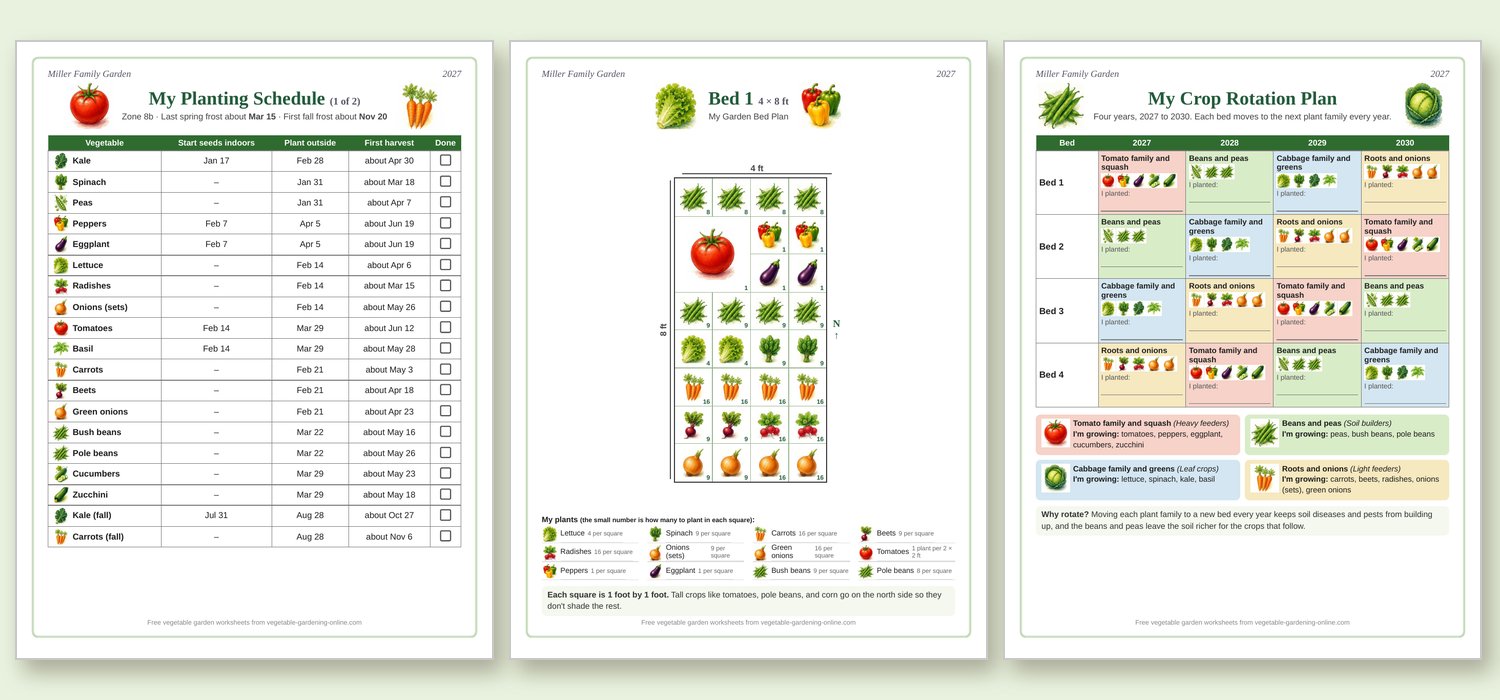
My Planting ScheduleType your zip code. Your own seed starting, planting, and harvest dates fill in by themselves.
✓
Garden Bed GridAny size, drawn to scale, one bed per page. Tap a vegetable, then tap the squares to plant it, or start from one of our ready-made plans.
1. Tap a vegetable:
2. Tap or drag across the squares to plant it:
✓
Crop Rotation PlannerName your beds, and it plans four years so each plant family moves to a new bed every year.
What will grow in each bed in ?
4. Look them over and print
The pictures couldn't load. Click Accept and continue on the cookie bar at the bottom of the page, then reload the page. The worksheets still print without pictures.
Want the next free printable first? My short garden email, Get the Dirt, comes Saturday mornings. Sign Up for My Free Newsletter
How to Use These Vegetable Garden Worksheets
Name your garden and pick the year. The name prints at the top of every page, so your worksheets look like they belong together in your garden binder.
Tick what you're growing. Your vegetables show up on every worksheet: in your planting schedule, in the key under each garden bed, and in your crop rotation plan.
My Planting Schedule: type your zip code, and your own dates fill in for starting seeds indoors, planting outside, and the first harvest. There's a Done box on every row to tick off as you go.
Garden Bed Grid: choose the size of each bed, then tap a vegetable and tap the squares to plant it. Big plants like tomatoes, squash, and melons take the space they really need. Or start from one of our ready-made plans and change whatever you like.
Crop Rotation Planner: name your beds and choose what grows in each one this year. The planner fills in the next three years, so each plant family moves to a new bed every year.
Print in color or with the ink saver. The ink saver prints in black and white, with small letter labels in place of the pictures.
Ready-Made Garden Plans
Not sure where to start? Choose a bed size in the Garden Bed Grid and click "Fill with our plan." There are plans for a 4 x 4 salad bed, a 3 x 6 small-space bed, 4 x 8 and 4 x 12 raised beds, and 10 x 10, 10 x 20, and 20 x 40 family gardens. Tall crops are always on the north side, and sweet corn is planted in a block of at least four rows so it pollinates well.
Two of our favorite plans are also ready to print just as they are:
Plan in pencil. Your plan will change as you go, so an eraser helps.
Draw the sun first. Mark north on your garden plan and put tall crops like corn and pole beans on the north side so they don't shade the short ones.
Print a few copies. Use one for spring, one for your fall garden, and keep a clean one for next year.
Keep them together. A three-ring binder holds your vegetable garden worksheets, seed packets, and notes, so next year you can see what grew well and what to change.
For more planning help, the National Gardening Association has a large free library of plant guides and garden resources.
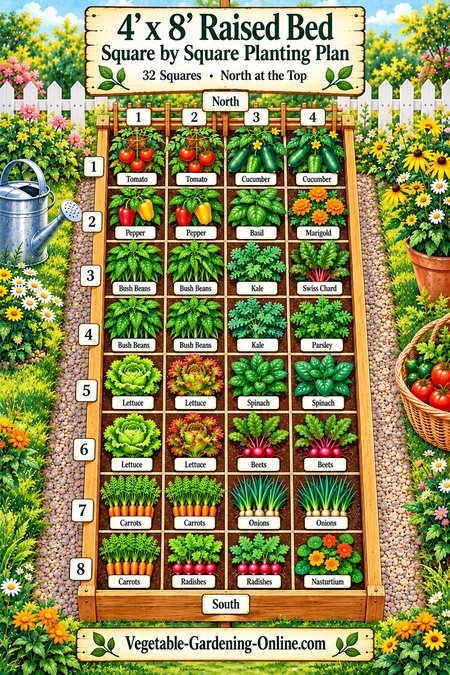 Print a Ready-Made Plan
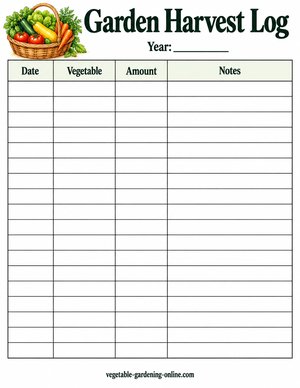 Print a Worksheet
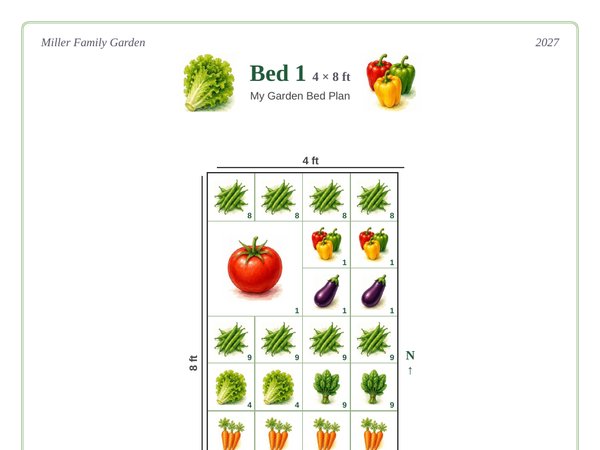 Make Your Own

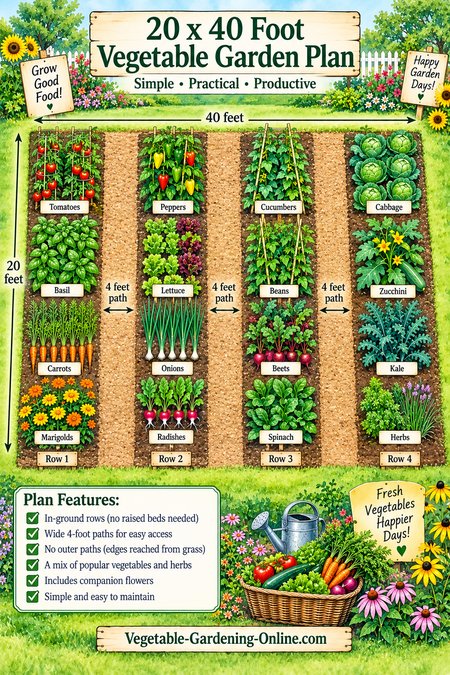 20 x 40 Garden Plan
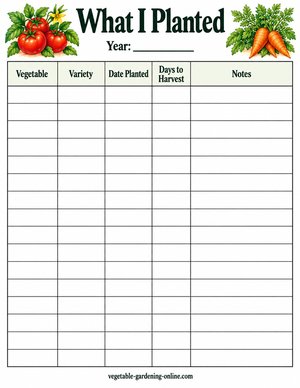 What I Planted
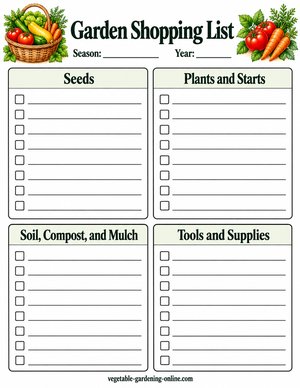 Garden Shopping List
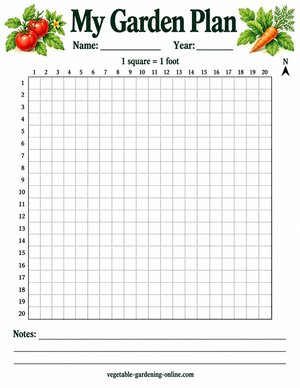 My Garden Plan
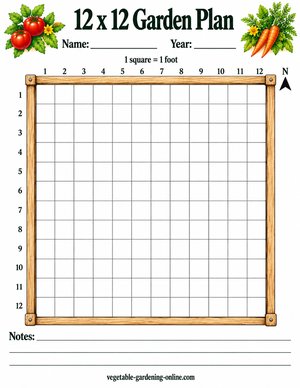 12 x 12 Garden Plan
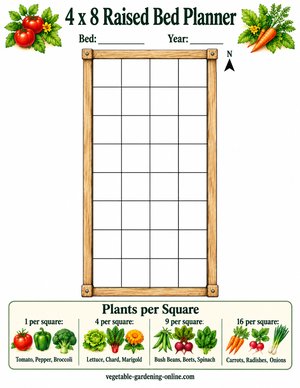 4 x 8 Raised Bed Planner
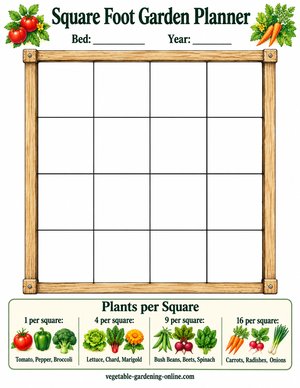 Square Foot Garden Planner
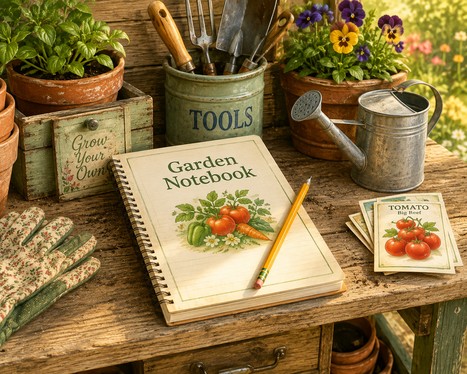 Seasonal Garden Notebook
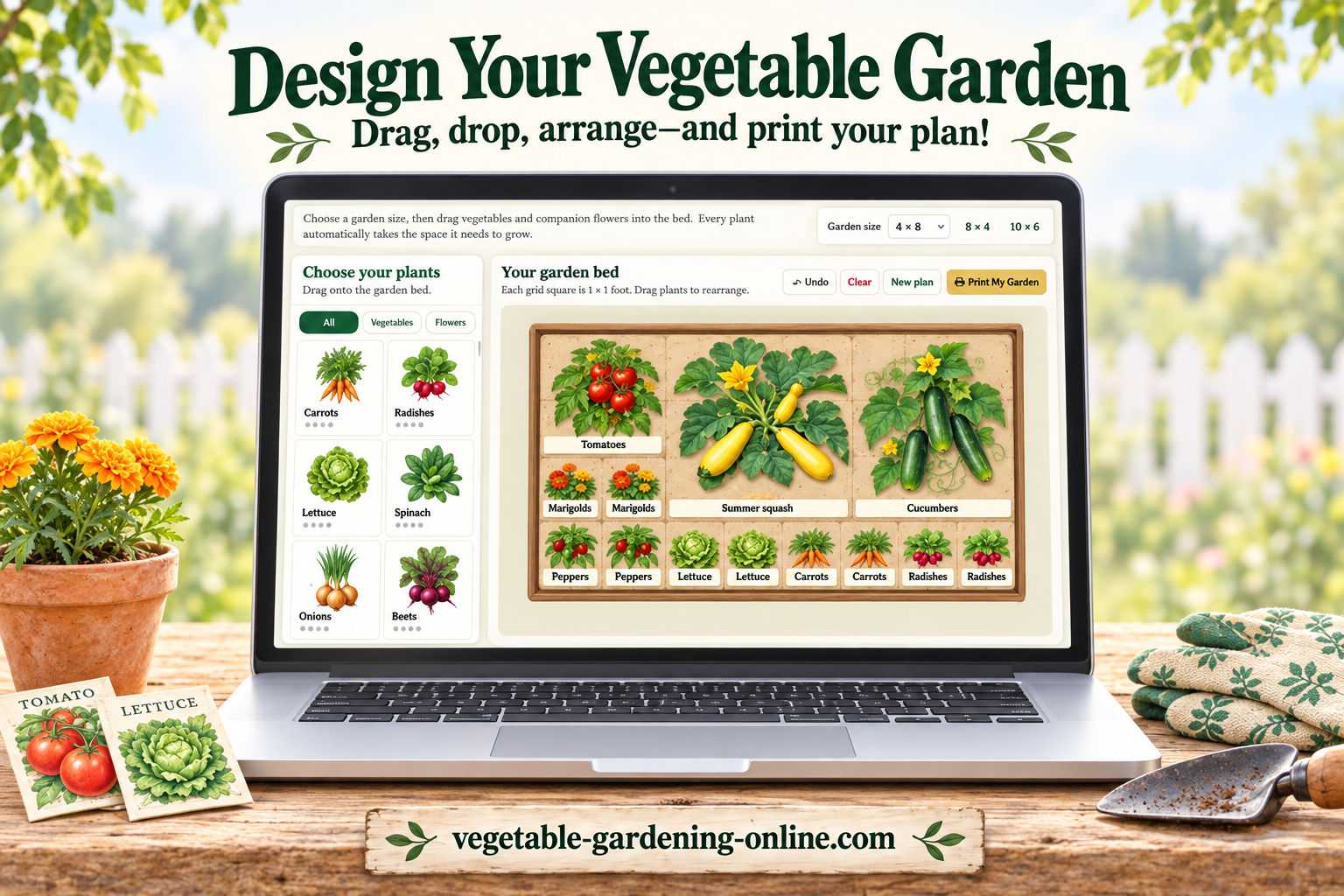 Garden Planner
 Garden Journal
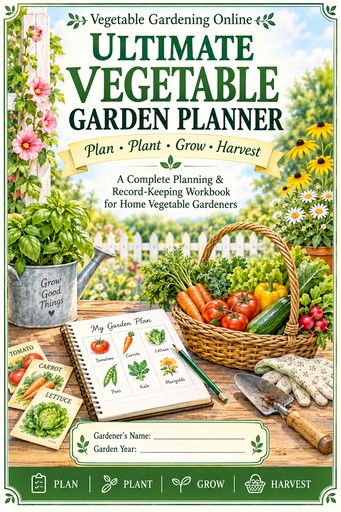 Planner Workbook
 Worksheets for Kids